
Platform
Get notified when a removed user held active profile connections
When you remove a user from your account, Emplifi now sends an email notification to account admins if that user was the only person connected to one or more active token connections — for example, social profiles authorized under their credentials.
The email lists the affected connections grouped by type, so you can identify exactly what needs to be reconnected and take action before it causes disruption. The notification is only triggered when the removed user was the sole holder of a connection — removing a user who shares a connection with others won't generate an alert.
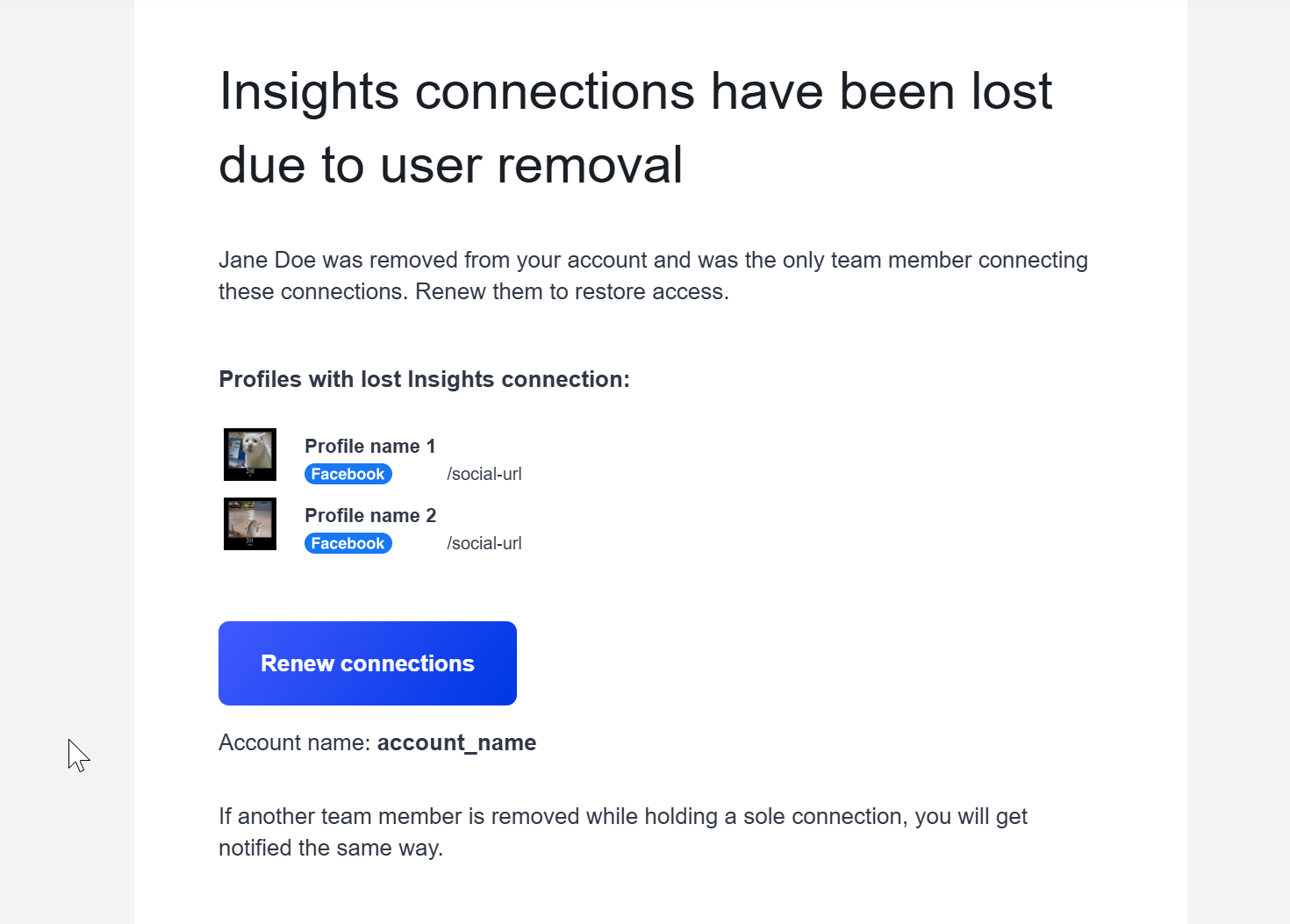
This update makes user offboarding safer, reducing the risk of broken integrations going unnoticed after a team change.
Learn more: https://docs.emplifi.io/platform/latest/home/add-a-profile-as-owned-private-or-public
Export Teams and Google Businesses data to a spreadsheet
Platform Admins can now export two additional Settings tables to a spreadsheet: the Teams table and the Google Businesses table. Both exports reflect the current filtered state of the table, so you can scope the export to exactly the data you need before downloading.
The Teams export (Settings > Team Management > Teams) includes: team name, description, and counts for users, profiles, and ad accounts. Use it to get a quick overview of your team structure or share it for an audit.
The Google Businesses export (Settings > Channels > Google Businesses) includes: store code, name, address, assigned teams, profile labels, Community/Care access, timezone, and the date and user who added the business.
This feature is available on Team accounts.
Learn more: https://docs.emplifi.io/platform/latest/home/team-access
Bot
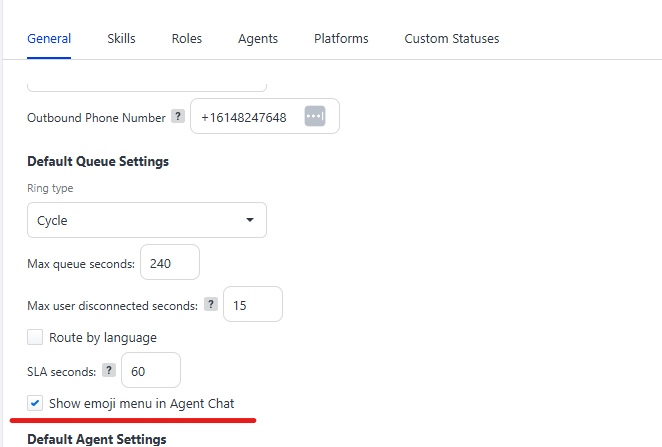
Agent Chat Emoji Menu - Toggle
We have added a toggle to display or not display the emoji menu in the Agent Chat widget, located in the Default Queue Settings section of the widget. This allows users to decide whether they want to hide the emoji feature or not.
Go to Flow Variable Action Overflow
A minor visual issue with Variable actions had been reported, causing the textbox to overflow from the display area. This fix resolves the issue and restores the standard visualization.
Updated Tooltip for Bot Retention Settings
The tooltip for this feature has been reworded to make the use of the feature clearer for users.

Publishing Bots Double Modal Issue
We had received intermittent reports that when publishing Bots, sometimes the Modal for the action was duplicating and the input window was not focusing correctly. This fix resolves this problem
Unified Analytics
Control who can view or edit boards and saved views
On accounts that use Teams (or legacy Account roles), you can control who can view and who can edit Unified Analytics boards and saved views by combining role permissions with share modes.
When you share a board or saved view, set View or Edit for each team or user. View means they can open and use it but never edit it. Edit allows editing only as far as their role allows; neither setting grants editing on its own.
This applies to preset boards, dynamic boards, and their saved views.
Learn more: Share boards and saved views in Unified Analytics
Instagram Video views include Stories with video
Instagram Video views (post level) now includes Stories with video, alongside Reels and feed video posts. Use Content type to limit results to posts, stories, or both.
This applies in Unified Analytics, Dashboard, Content Hub, custom metrics, and the Emplifi Public API.
Learn more: Video views (post)