
The Community module allows you to engage with your followers and manage your interactions across multiple social profiles.
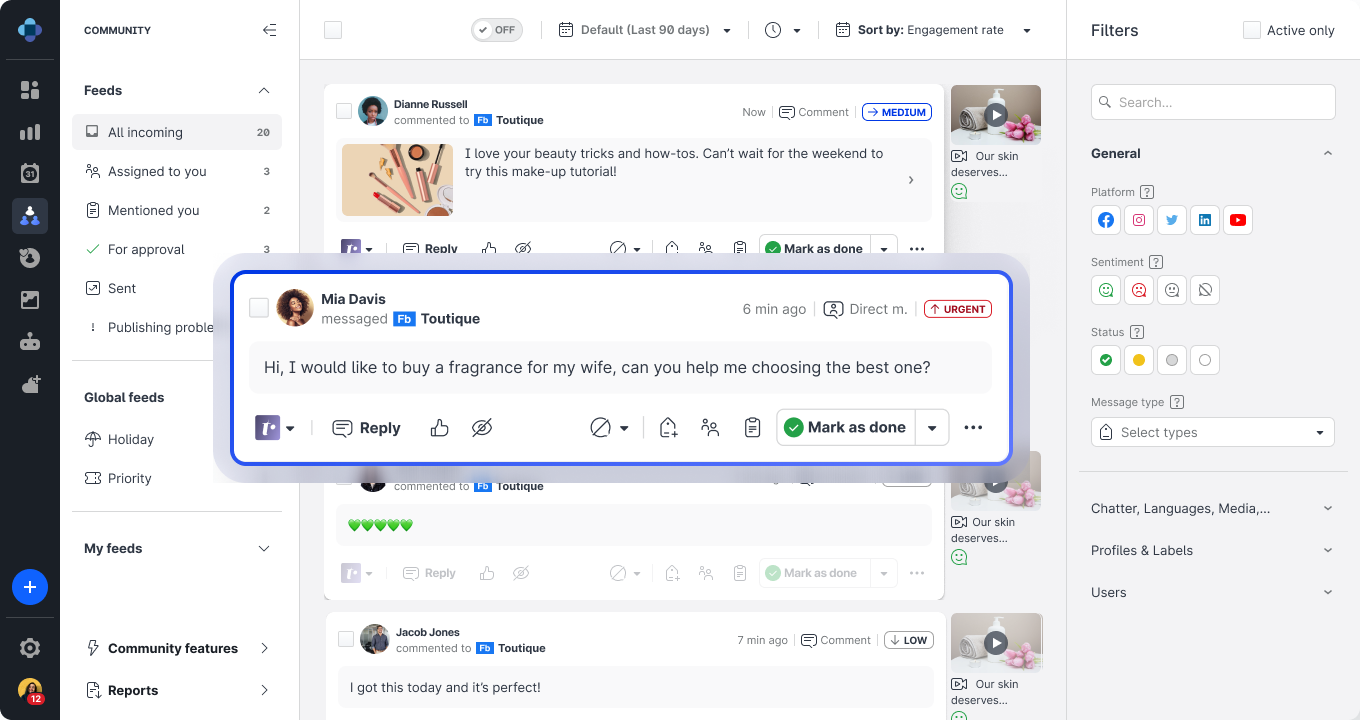
Review the Emplifi Learning video and then explore Community options in greater detail.
-
Get Started with Community -
Content Types, Historical Data, and Update Frequency in Community -
Activate Profiles for Community and Set Up Profile Roles -
Community Inbox -
Set Up Filters in Community Feeds -
Understand the Actions and Buttons of a Community Message -
Get Notified about Relevant Actions in Community -
Set Up and Use Templates for Replying to Community Messages -
Search within Community -
Respond to a Community Message -
Handle Deleted Content in a Community Message -
Escalate a Community Message to Care -
Export and Share Community Data -
Enable Translations in Community -
Analyze Performance of Your Community Operations -
Measure and Optimize Community Management at Scale -
How to Be Proactive in Your Community Management -
Priority Score -
Enable Instagram Direct Messages in Community -
Integrate Community and Salesforce -
Direct Conversation and Direct Message