
Listening
Support for Reddit
Our Listening solution now supports Reddit.
Monitor brand mentions, keywords, and competitor conversations on Reddit, and bring Reddit insights directly into your dashboards, alongside all your other social media channels.
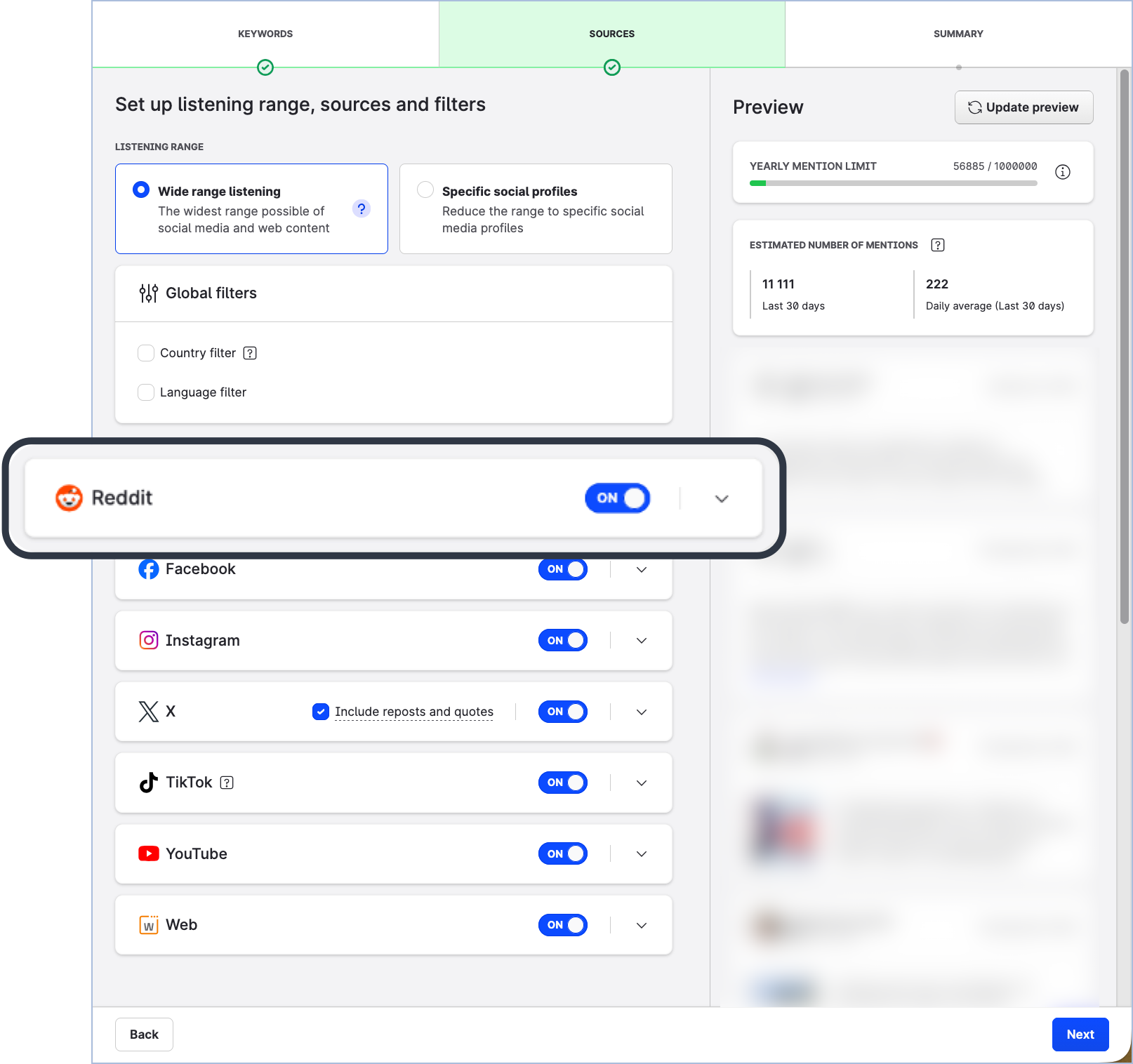
Collected listening mentions are available for analysis on the Listening boards in Unified Analytics (in aggregated form) and in the Listening section in Content (as individual content pieces).
Reddit as a listening data source is available as an add-on. To have it enabled for your Emplifi account, please contact your Customer Success Manager or Emplifi Support at support@emplifi.io.
Learn more:
Listening Data Sources and Covered Content
Unified Analytics
Bar Chart Behavior and Data Export
In Unified Analytics, vertical bar charts with aggregated “Other” categories now behave more predictably when you export data by sharing a widget or board.
For raw data exports (CSV and XLSX), breakdown values are no longer aggregated into an “Other” category. Instead, you receive the full, unaggregated dataset for further analysis.
PNG exports continue to reflect exactly what is displayed on screen. If the chart shows an “Other” category due to space limitations, the exported PNG will display the same aggregated view.
Learn more:
Share a Unified Analytics Widget
Share a Unified Analytics Board
Bar Chart Display and Export Behavior in Unified Analytics
Flow Automations
Flow Automations is currently in early access. Contact your Customer Success Manager to request participation in the early access program. Some features may not be available or change before the full release. Please report any bugs you encounter.
Flow Automations Homepage Update
Additional Filter Options
To help you manage your library of flows more efficiently, you can now filter the flows table on the Flow Automations homepage by the components used in each flow. The filter helps you quickly find flows that include specific triggers, conditions, or actions.
The filter is based on the component itself, so for example, you can find all the flows in your account that use the Community label content action.
Learn more:
Flow Automations [Early Access]
Flow Canvas Editor Updates
Drag and Drop
You can now rearrange nodes and elements along and between branches in the canvas editor. Elements can only be moved to compatible node types.
With this update, you can move condition elements between condition nodes, reorder trigger or condition elements within their respective nodes, and reposition condition or action nodes within the flow.
Canvas Notes
The description of the flow is now directly accessible directly within the canvas editor. Any change to the description will also update the description of the flow on the Flow automations home page. This change ensures details about the flow are always available when inside the canvas editor.
Learn more:
Flow Canvas Overview
New Action
The following action is now available for you to add to your flows: