
Platform
SCIM 2.0 user provisioning is now generally available
SCIM (System for Cross-domain Identity Management 2.0) connects your identity provider (IdP) to Emplifi, so your IT team can manage the full user lifecycle — onboarding, role changes, and offboarding — from the same place they manage every other tool in your organization. When a user is added or removed in your IdP, their Emplifi access is updated automatically.
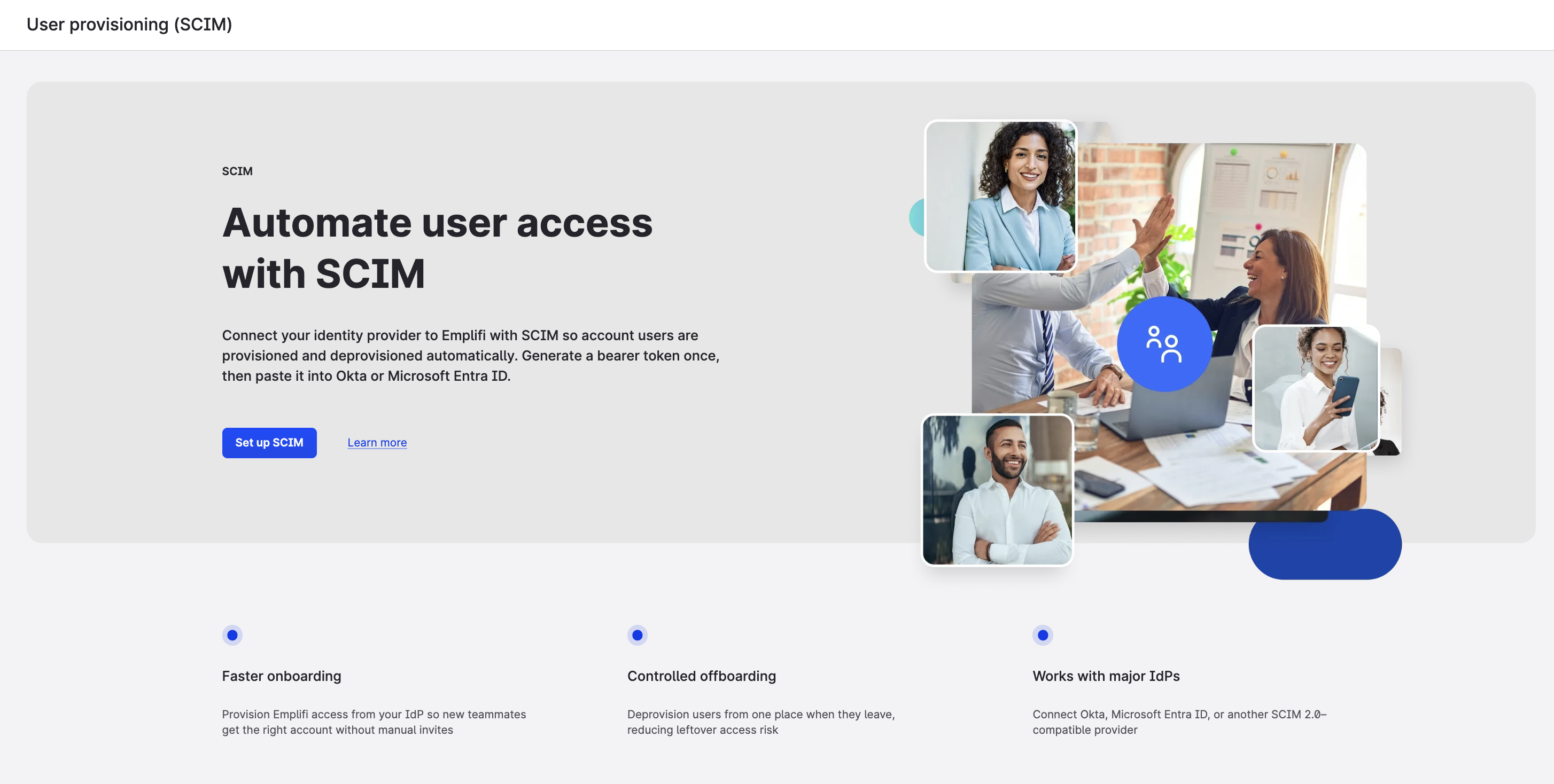
What you can do with SCIM:
-
Automatically create Emplifi user accounts when new employees are provisioned in your IdP.
-
Update a user's platform access level (Platform Admin or Platform User) from your IdP.
-
Deactivate or reactivate users to suspend and restore their access without removing their account.
-
Permanently remove users from your Emplifi account when they leave the organization.
-
Assign and remove users from Emplifi Teams, including setting their team role.
Learn more:
SCIM 2.0 User Provisioning
Export labels to a spreadsheet
You can now export Content Labels, Content Label Groups, and Profile Labels from Settings to a spreadsheet. Each export reflects the current filtered state of the table.
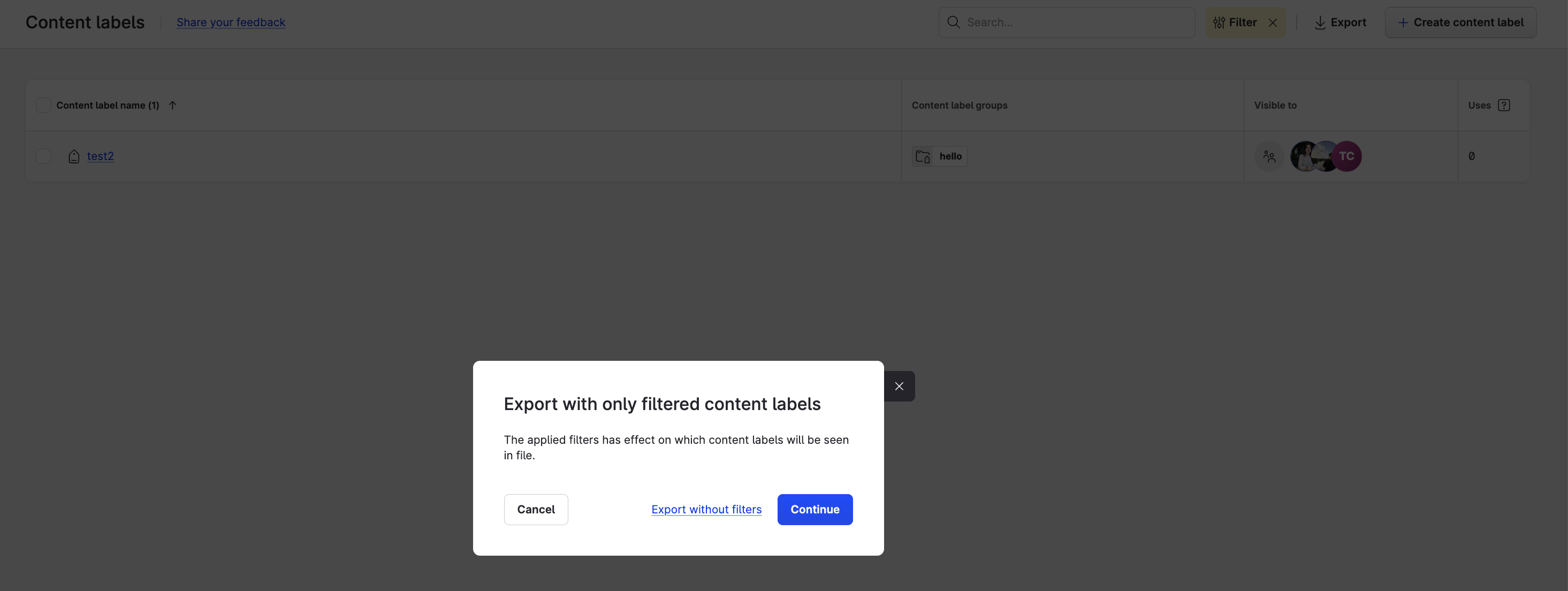
The columns vary by label type:
-
Content Labels: name, access type, content label groups, uses, created by, created at
-
Content Label Groups: name, access type, content labels, required for publishing, created by, created at
-
Profile Labels: name, access type, assigned profiles, created by, created at
When a label belongs to multiple groups, or a group contains multiple labels, all values appear semicolon-separated in a single column.
See who created a label and when
The detail view for Content Labels, Profile Labels, and Content Label Groups in Settings now shows who created the label and when. The creator appears as their full name, or their email address if the name isn't available.
Learn more:
Set Up Labels
Publisher
Share a collection with teams from the public API
A customer whose account has the Teams module turned on can create a collection through the public API and share it with one or more teams, and can later change which teams that collection is shared with. Each team can edit the collection, or only view it. Access follows the team: a person added to the team later can use the collection, the same way they can in the product.
Listing collections shows which teams a shared collection is shared with, and which teams the caller belongs to, so an integration can choose the right team ids. Accounts that do not have the Teams module still create collections as private (only the creator) or global (everyone in the account).
Learn more:
Collections API documentation
Mark media as AI-generated
You can now mark images and videos as AI-generated or altered in Publisher. Supported networks apply the disclosure to the whole post; individual asset badges are visible only in Emplifi. This release doesn’t support Facebook photo posts. Instagram labels the whole carousel and every Story in a multi-Story post. You can’t change the disclosure after publishing, and media with AI metadata can’t be cropped or converted.
Learn more:
Mark media as AI-generated
Community & Care
TikTok Ad Comment Moderation - Beta
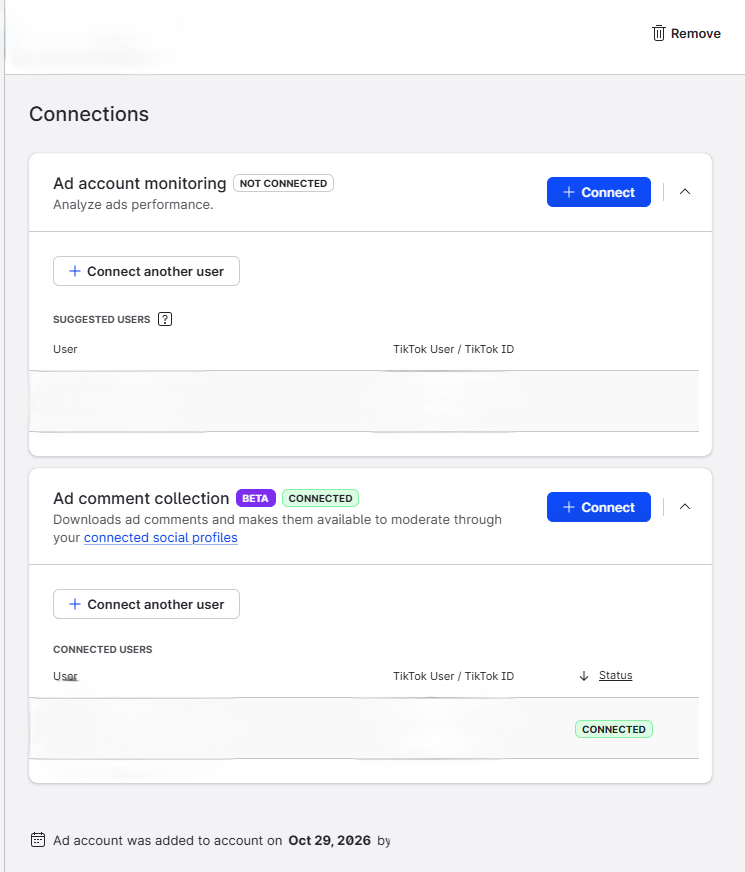
The Beta for Ad Comment Moderation for TikTok Ad accounts has been released. A user with administrative permissions (to add and remove accounts) will be able to enable the Beta. The Beta allows users to moderate comments on both Dark and Spark ads - allowing users to reply, like, hide and apply sentiment enrichment to comments made on owned, published ads.
Learn more:
TikTok Ad Comment Moderation - Beta
UGC
Website Engagement board now in Unified Analytics
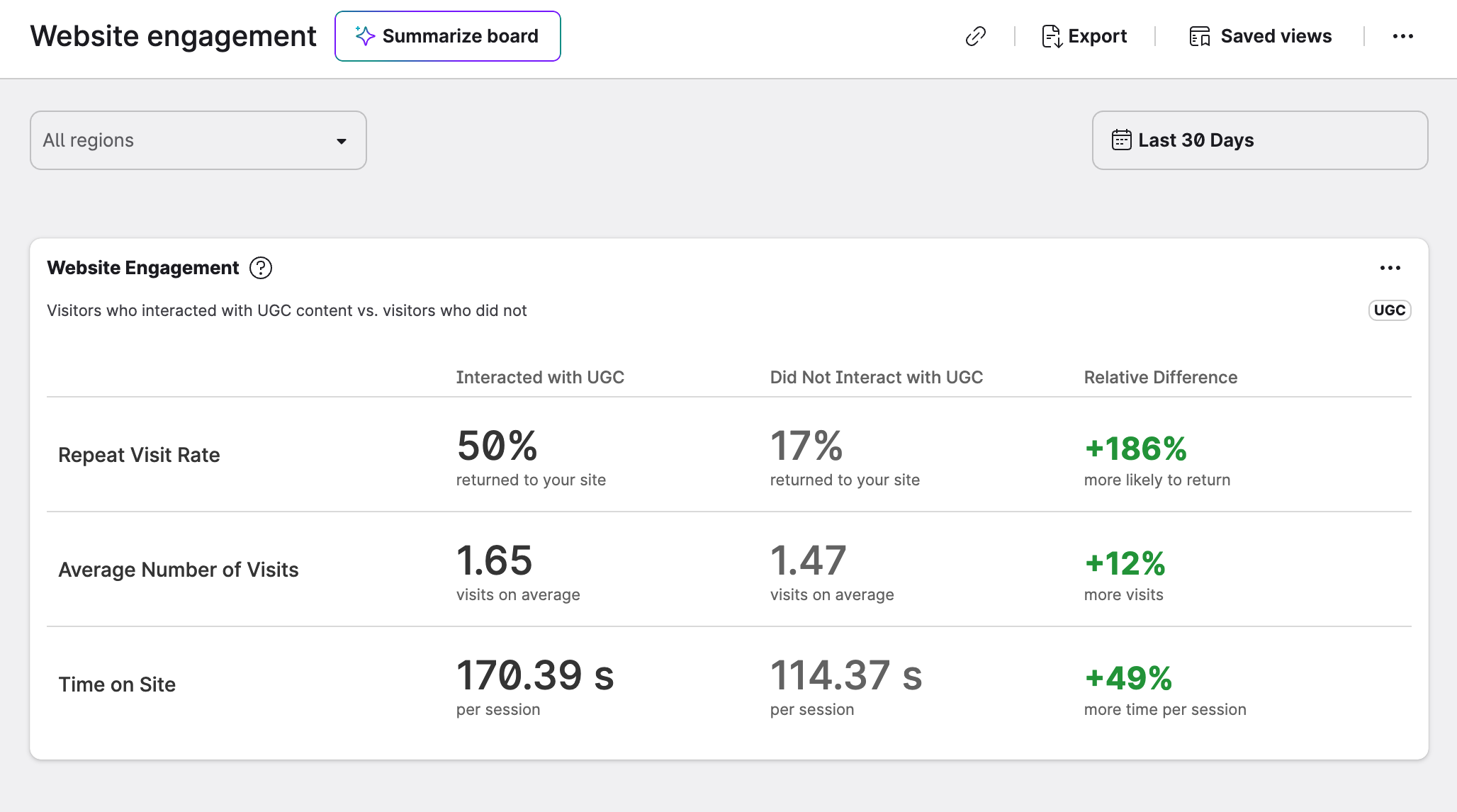
The UGC Website Engagement board is now available in Unified Analytics. It shows whether visitors who interacted with Emplifi UGC on your website come back more often and stay longer than visitors who didn't.
The board compares three metrics: Repeat Visit Rate, Average Number of Visits, and Time on Site. Each metric shows the values for Interacted with Emplifi, Did Not Interact with Emplifi, and the Relative Difference between them. You can filter by region, and you can use the date range, export, and scheduling options available across Unified Analytics.
Learn more: