Note: This page describes the full version of Fuel AI, which is an add-on to your Emplifi package. If you have Fuel AI Lite, which every customer has by default, you can ask how-to questions and summarize Unified Analytics widgets and boards, but not carry out the tasks on this page. To find out about adding Fuel AI, contact your account manager. See Fuel AI Lite.
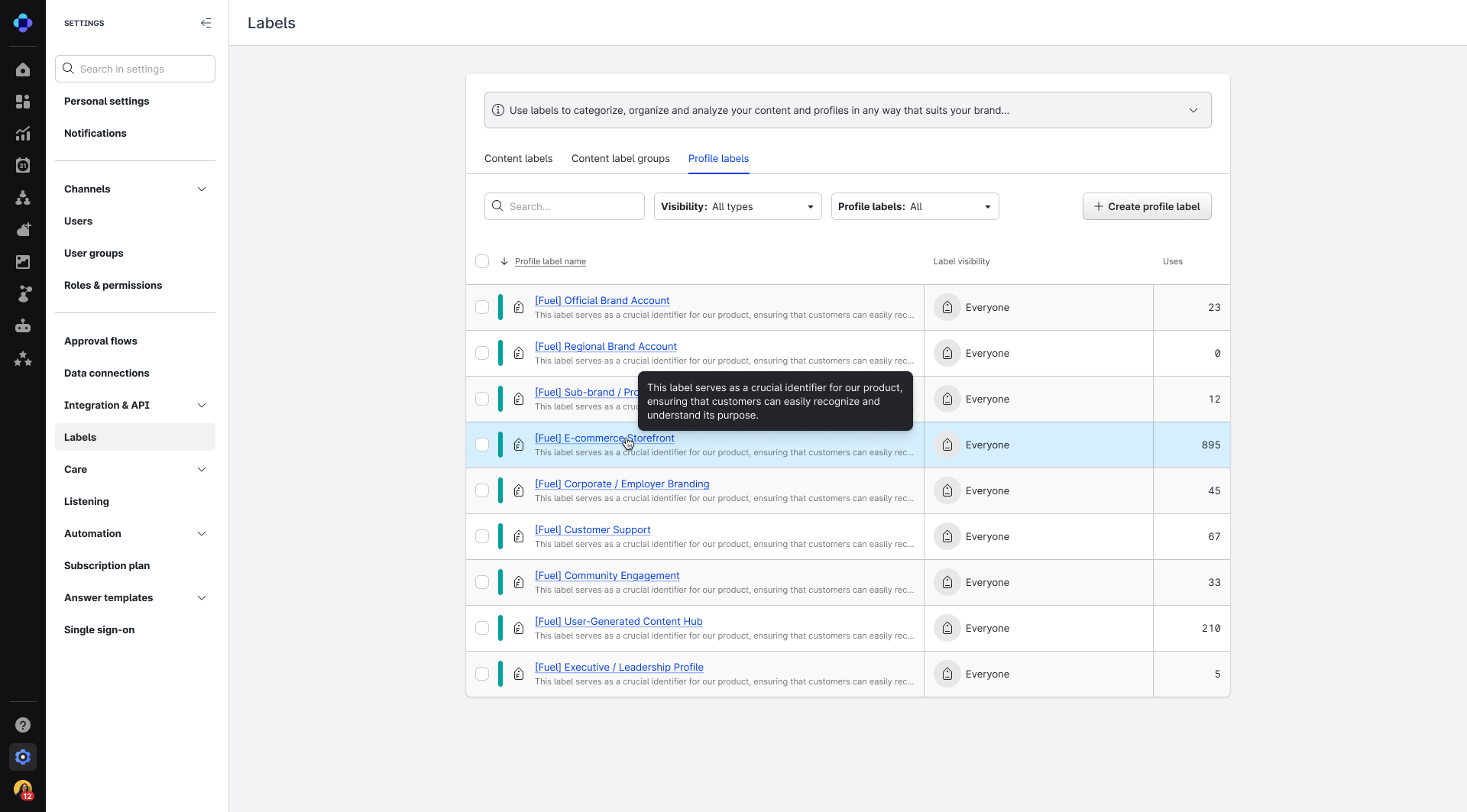
Fuel AI uses system labels (prefixed with [Fuel]) to connect your objectives, automations, and data together. You can find Fuel labels in Settings → Labels → Profile labels.
Add Fuel labels to your profiles for deeper insights. To learn more about using labels, see Set Up Labels.