
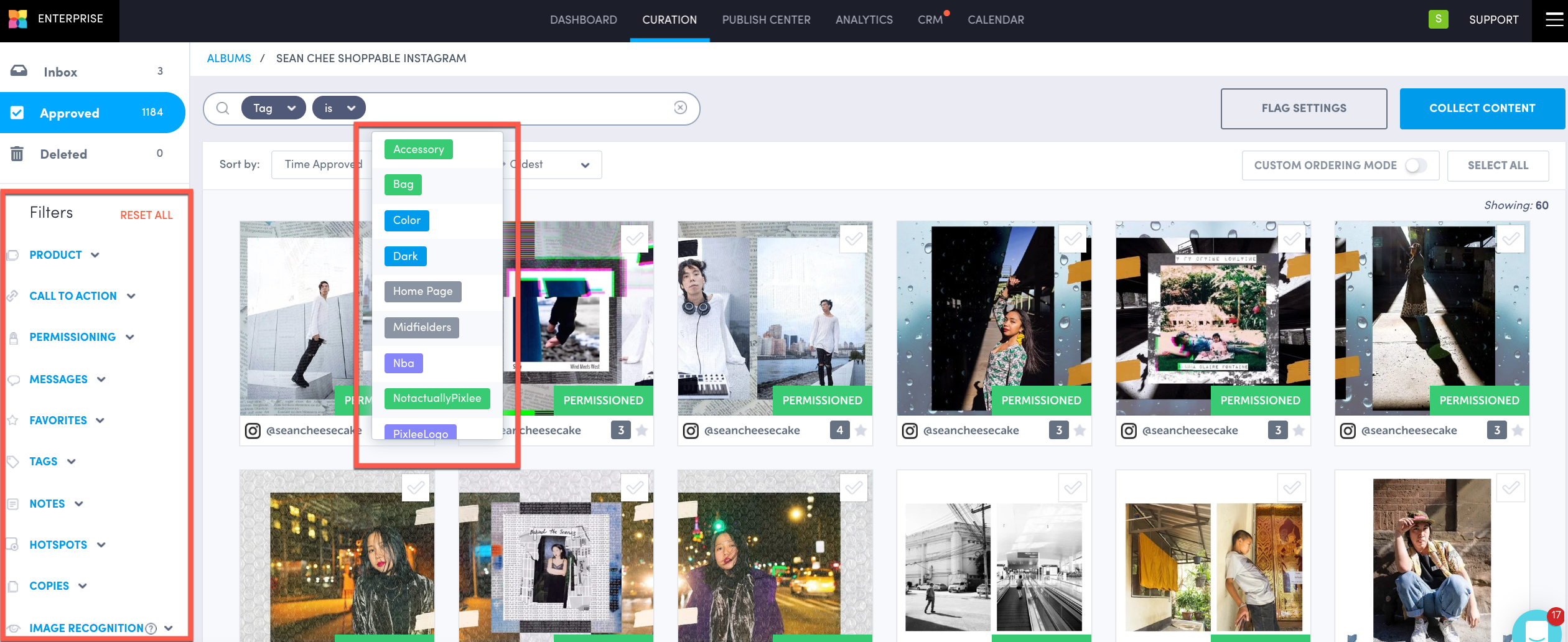
Tags can be used to organize content, identify categories, and themes. This feature will give a more personalize experience when matched to your customer profile. Go to Tag Album Basics to learn more.
Use Cases
-
Launch an interactive social hub to include your top tags or promote a seasonal item/campaign.
-
Publish individual tag albums onto your category pages to showcase different looks.
-
Create separate landing pages from your tag albums to ensure that members of the marketing team (ex. email, brand, etc) have easy access to content.
Best Practices
-
Leverage filters in your album to refine your content so you can tag in batches.
-
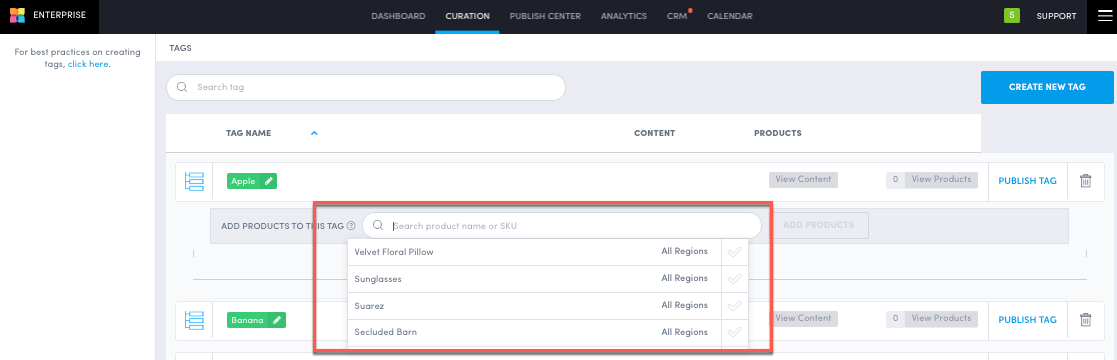
Assign products to tags through a tag product tree, so content with assigned products is automatically categorized to the tags.
-
Add structure tags so they match the top categories within your business:
-
Fashion brands can create tags for women, men, and children.
-
Travel brands can create tags for activities, rooms, family fun, etc.
-
Craft brands can create tags on inspiration on how to utilize and display them.
-
Do you have feedback or more questions? You can contact us through our Emplifi Customer Center.