
Custom metric widget appears in your widget options when you purchase the custom metric add-on. Click the icon to display the list of your custom metrics.

You can also open Dashboards and search Custom metric.
Widget setup
Set up your custom metrics widget as any other widget in your Dashboards.
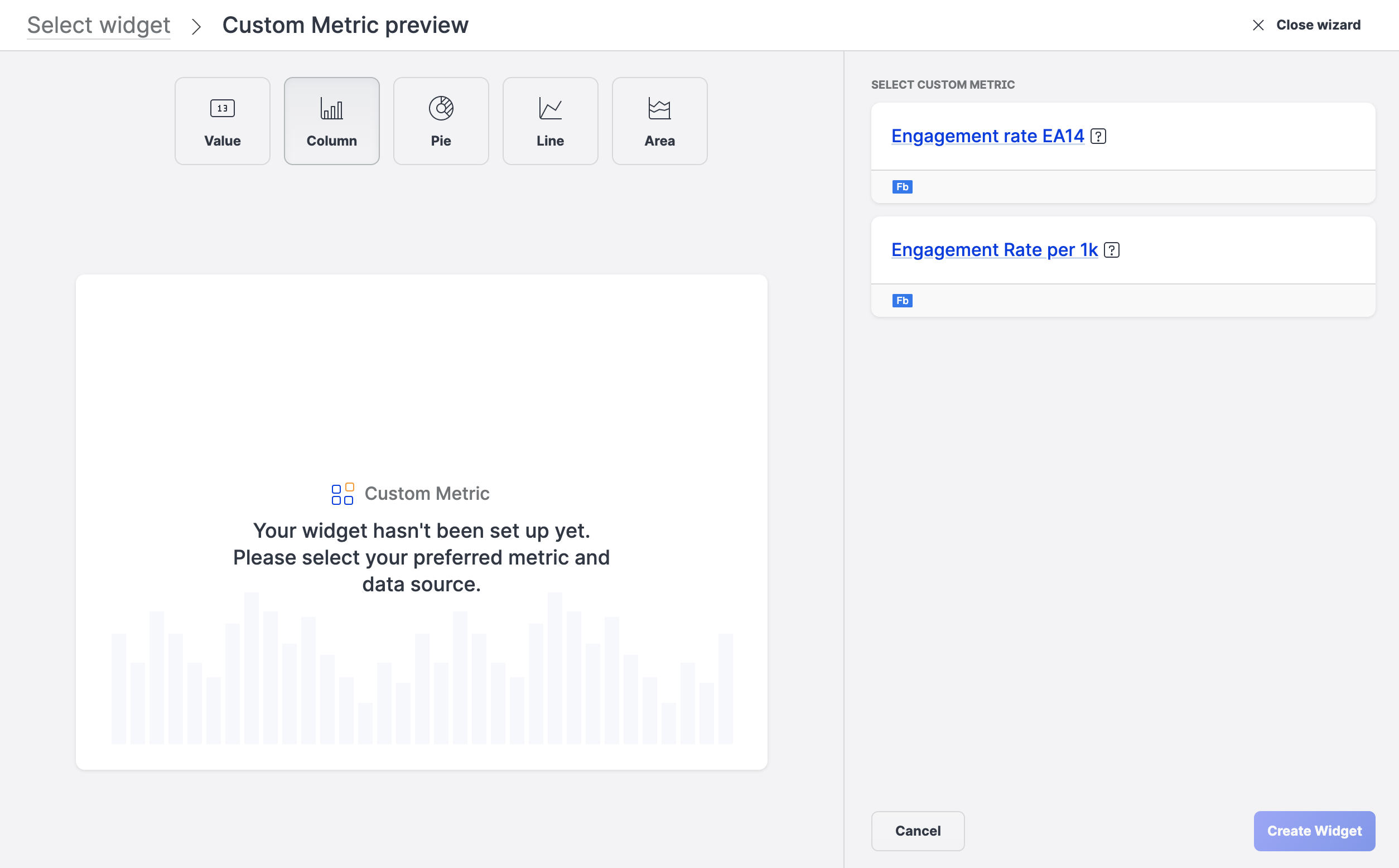
Click the metric that you want to use and specify the following options to define your widget:
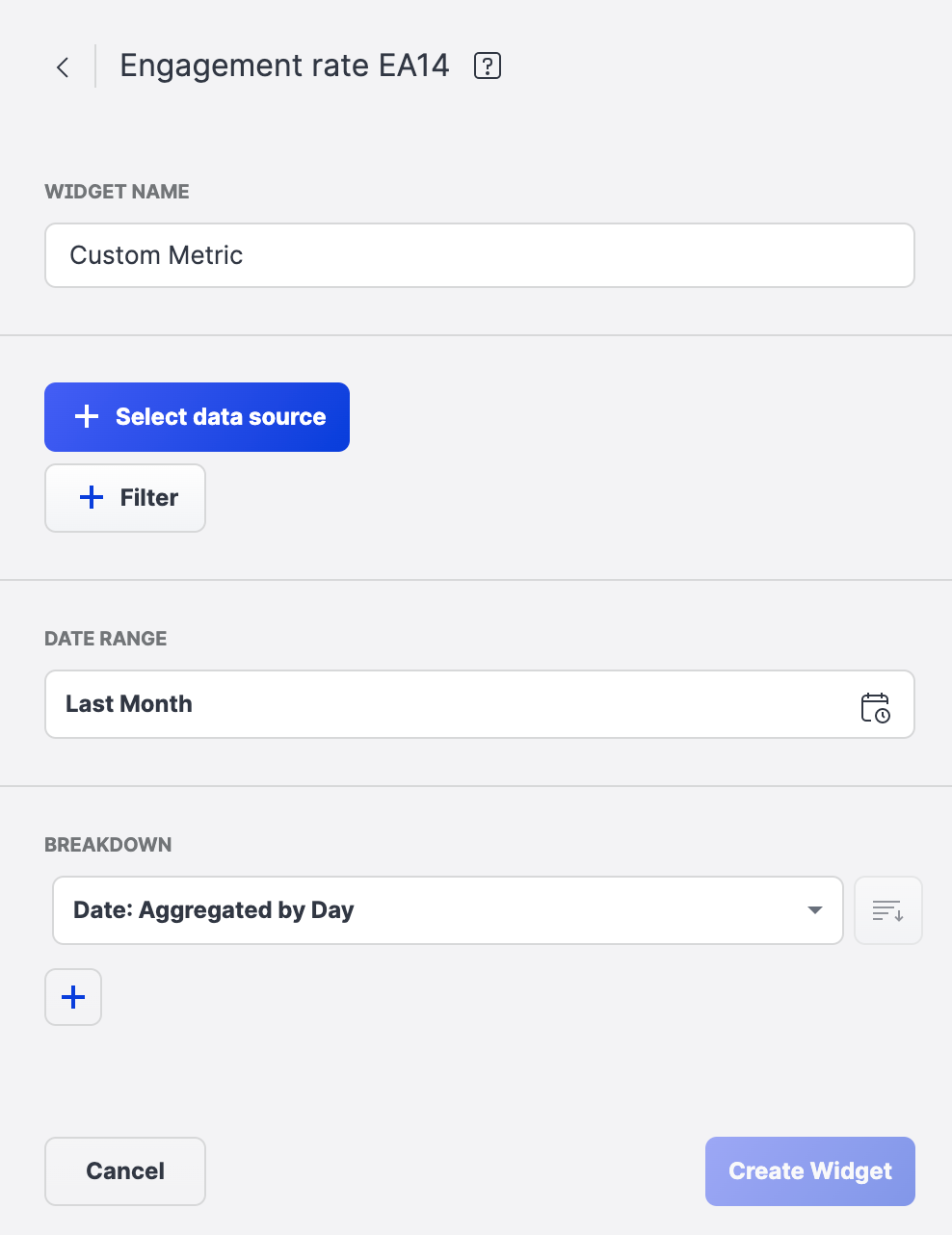
-
Widget name
-
Data source
-
Profile(s)
-
Content label(s)
-
Profile label(s)
-
-
Filter
(limits the data shown)-
Profiles
-
Content labels
-
Profile labels
-
Platforms
-
Origin of content
(Brand’s content by default) -
Published vs. Unpublished (Facebook)
-
Content type
-
Media type
-
Content sentiment
-
-
Date range
-
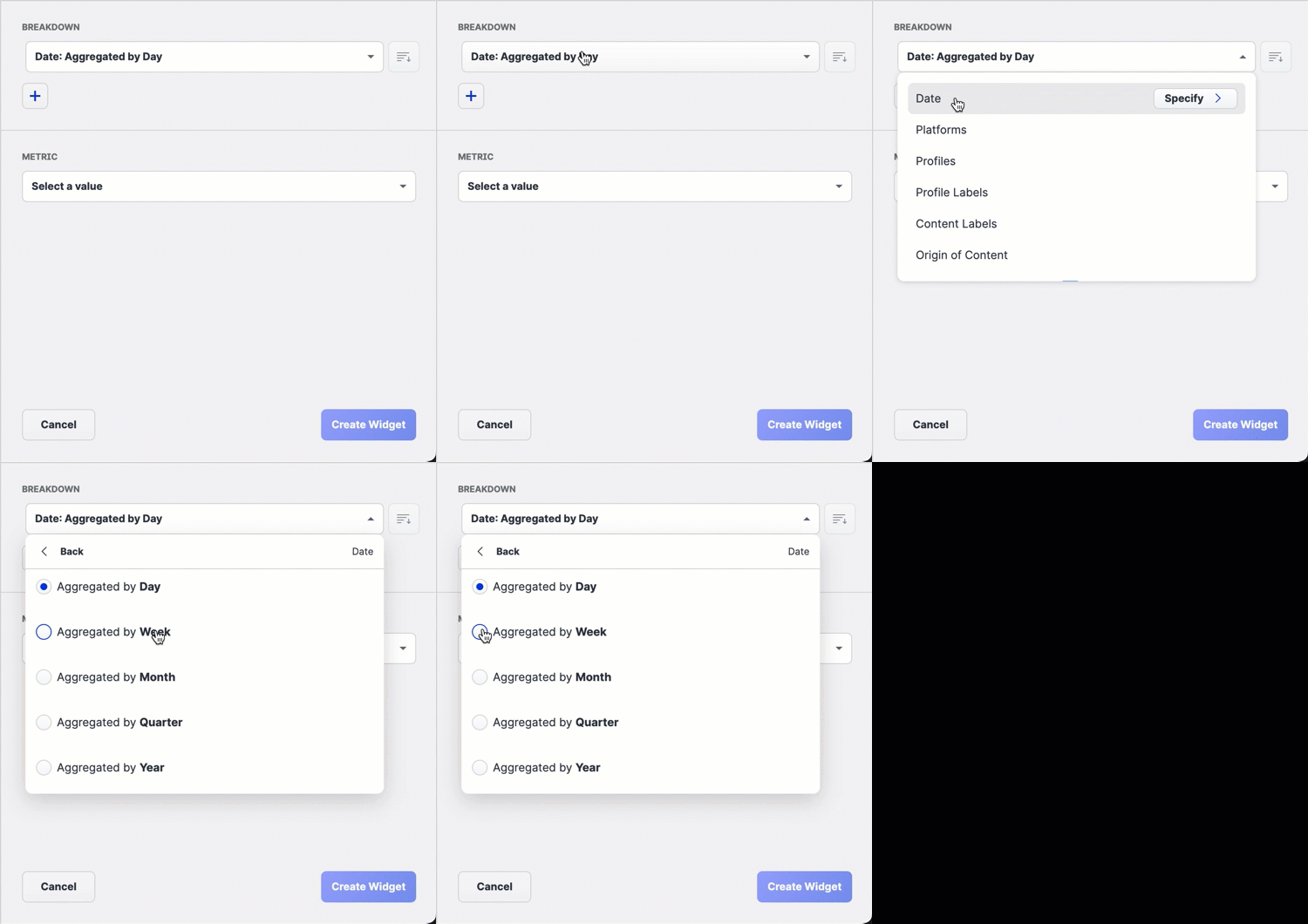
Breakdown
Some items may have additional set of options available:
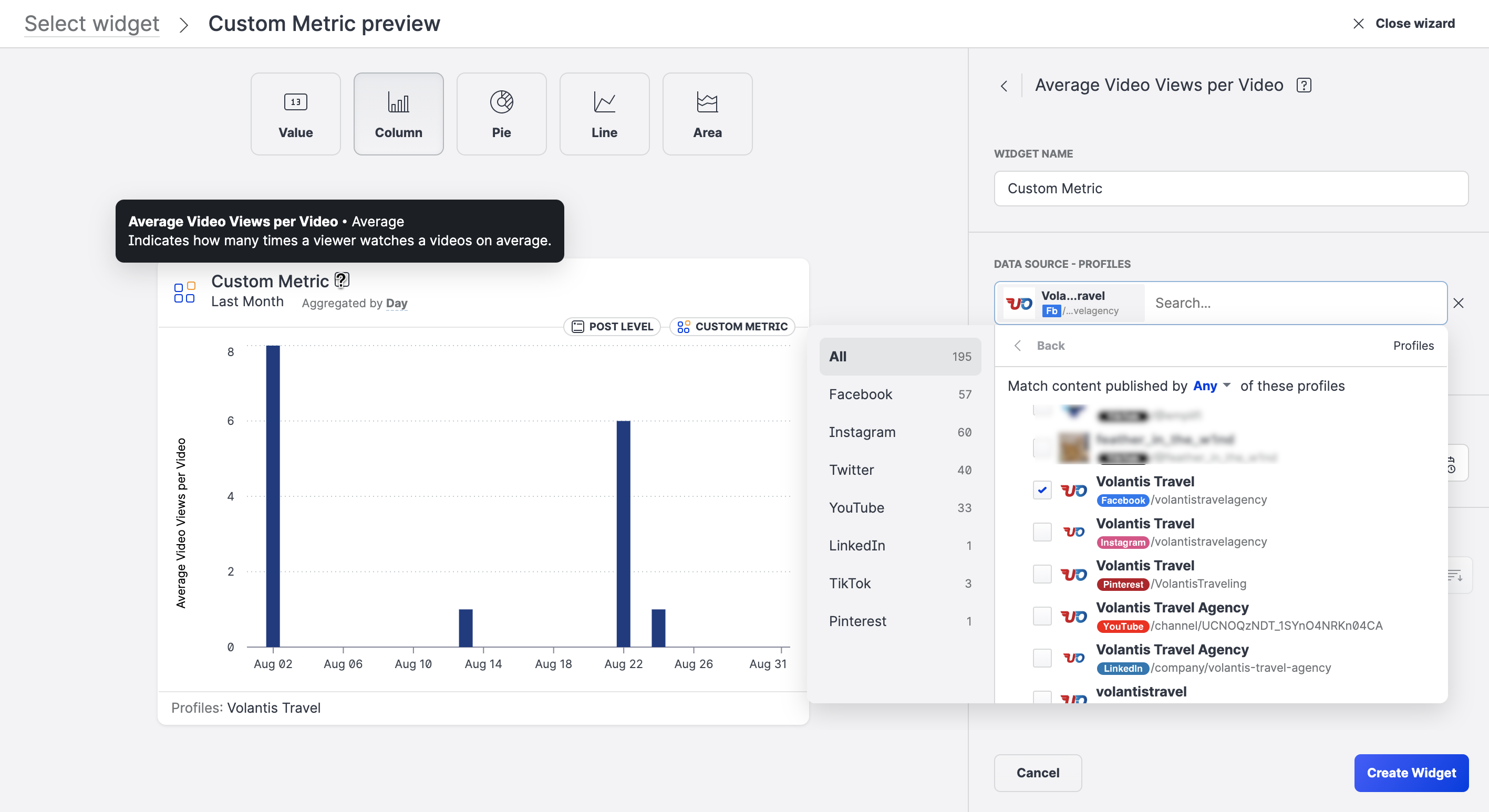
Tooltips
Use widget tooltip to see the metric name, detailed description and type of aggregation used for widget
Dashboard Exports
Custom metric widget is available in all types of Dashboard exports.